Grok setup guide
Before you start: Check that your Grok account offers New Connector → Custom at grok.com/connectors. Business and Enterprise accounts may require an administrator to provision the connector. Garmin Community MCP does not include a Grok subscription.
The card-free Athlete trial starts on your first successful AI request after connecting your Garmin account. No card and no automatic charge. One trial per Garmin account. Access pauses when it ends unless you choose a plan.
1. Connect your Garmin account
Create your Garmin Community MCP account, connect Garmin and complete any Garmin verification prompt. Confirm the athlete and time zone in setup, then select Grok.
2. Add Garmin in Grok
- On Grok web, open grok.com/connectors and select New Connector → Custom.
- Paste the public server URL below and complete authentication with Garmin Community MCP. Review the requested access before approving.
- Start a conversation with the connector available and ask for your first Garmin update.
https://mcp.garmincommunitymcp.com/mcp
Use the public server URL. Keep any private keys shown in your account private. Grok custom MCP guidance. Requirements checked 28 October 2026; provider interfaces and account access can change.
3. Get your first useful answer
Using my Garmin connection, confirm the athlete, then summarise my recent training and last night's sleep. Say which data is missing.
Check that Grok calls a Garmin tool and returns your actual data. A generic answer or a connected status alone is not a successful data read. If tools are missing, enable Garmin for this conversation and recheck authentication.
4. Send an approved workout to your watch
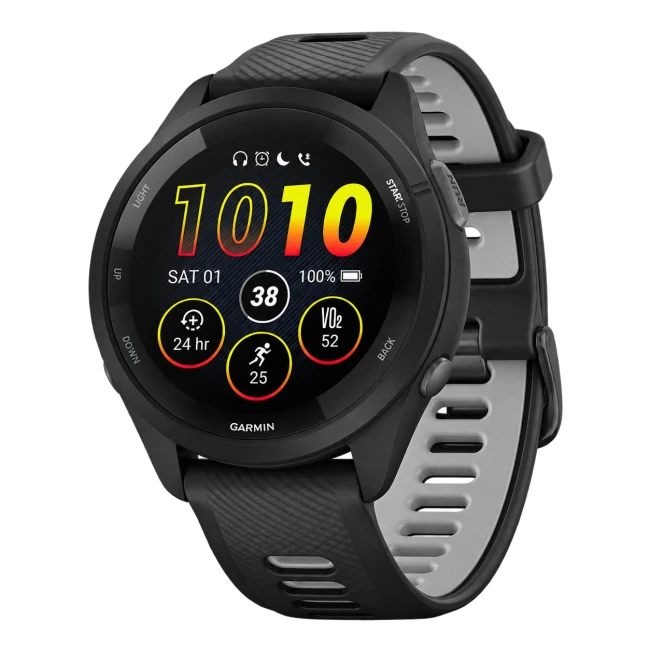
Sending workouts requires Athlete or Coach access (included in the trial), an AI client that supports write actions, and permission to change the selected Garmin profile. Review and approve each change. Workouts are saved and scheduled in Garmin Connect, then sync to a compatible watch at its next connection.
Draft a training week for my goal. Show me the sessions and dates for approval before creating or scheduling anything in Garmin.
Confirm the saved workout and calendar date in Garmin Connect, then sync your watch. A training-plan suggestion in chat alone does not send a workout or create an ongoing coaching schedule.
Connection and data handling
Garmin Community MCP is an independent service, not an official Garmin or AI-provider integration. Read the security details and privacy policy before connecting.
Questions
What do I need?
Check that your Grok account offers New Connector → Custom at grok.com/connectors. Business and Enterprise accounts may require an administrator to provision the connector. Garmin Community MCP does not include a Grok subscription.
Can it send workouts to my watch?
Sending workouts requires Athlete or Coach access (included in the trial), an AI client that supports write actions, and permission to change the selected Garmin profile. Review and approve each change. Workouts are saved and scheduled in Garmin Connect, then sync to a compatible watch at its next connection.
When does the trial start?
The card-free Athlete trial starts on your first successful AI request after connecting your Garmin account. No card and no automatic charge. One trial per Garmin account. Access pauses when it ends unless you choose a plan.
Use your Garmin data in Grok
Check account eligibility above. No card and no automatic charge.